TuneSpan
Your iTunes Library on multiple drives.
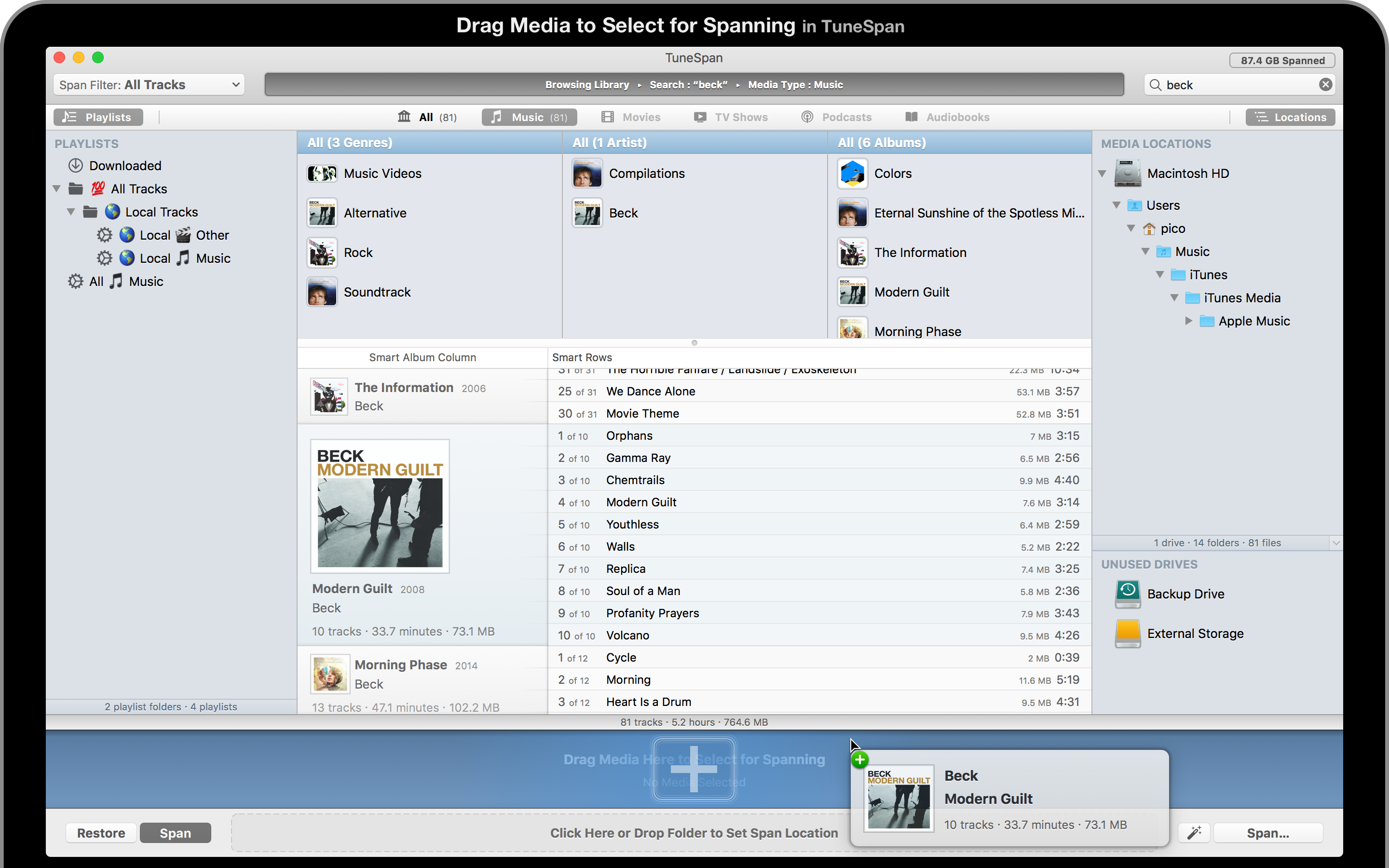
TuneSpan allows you to browse and span the media in your iTunes Library.
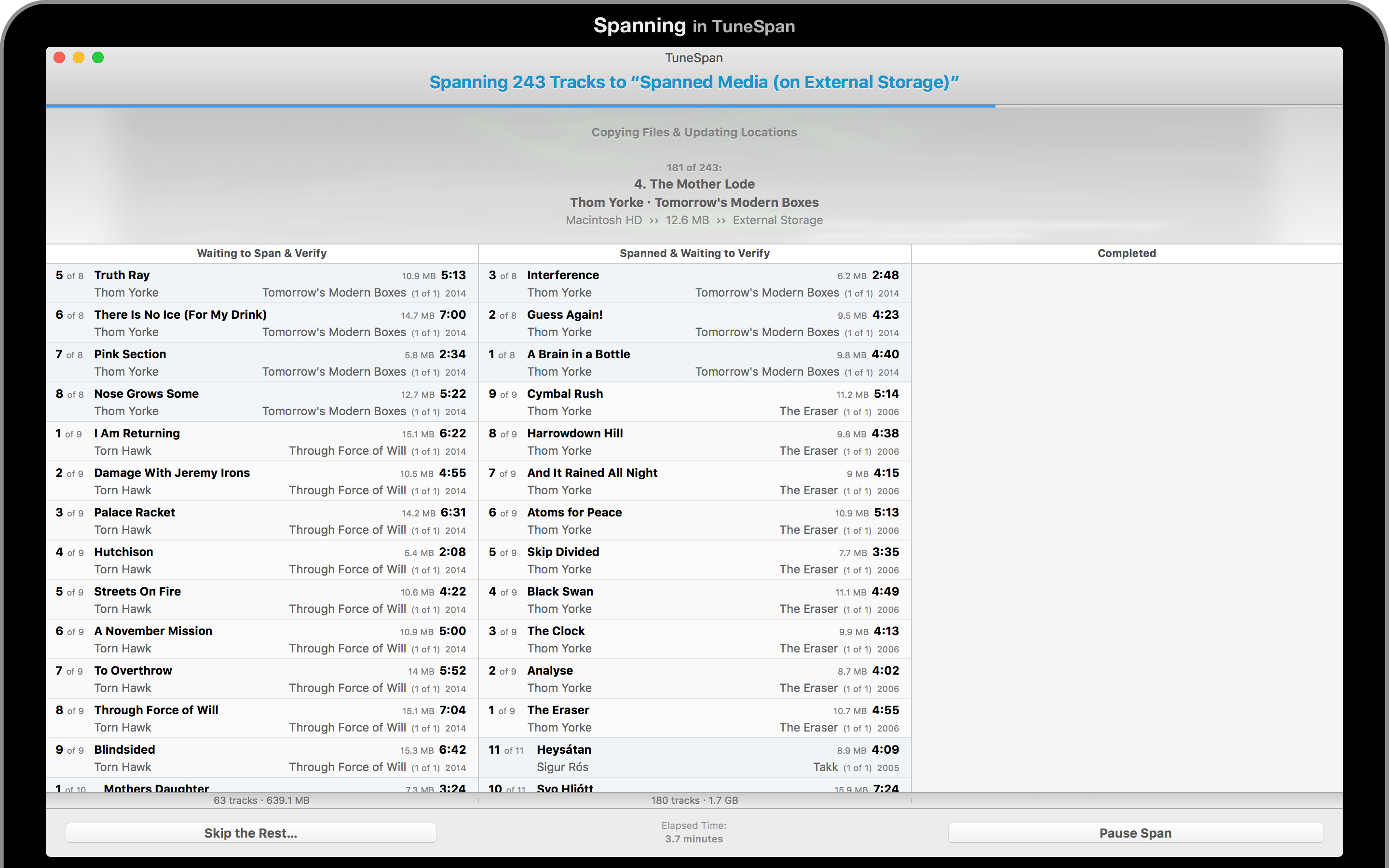
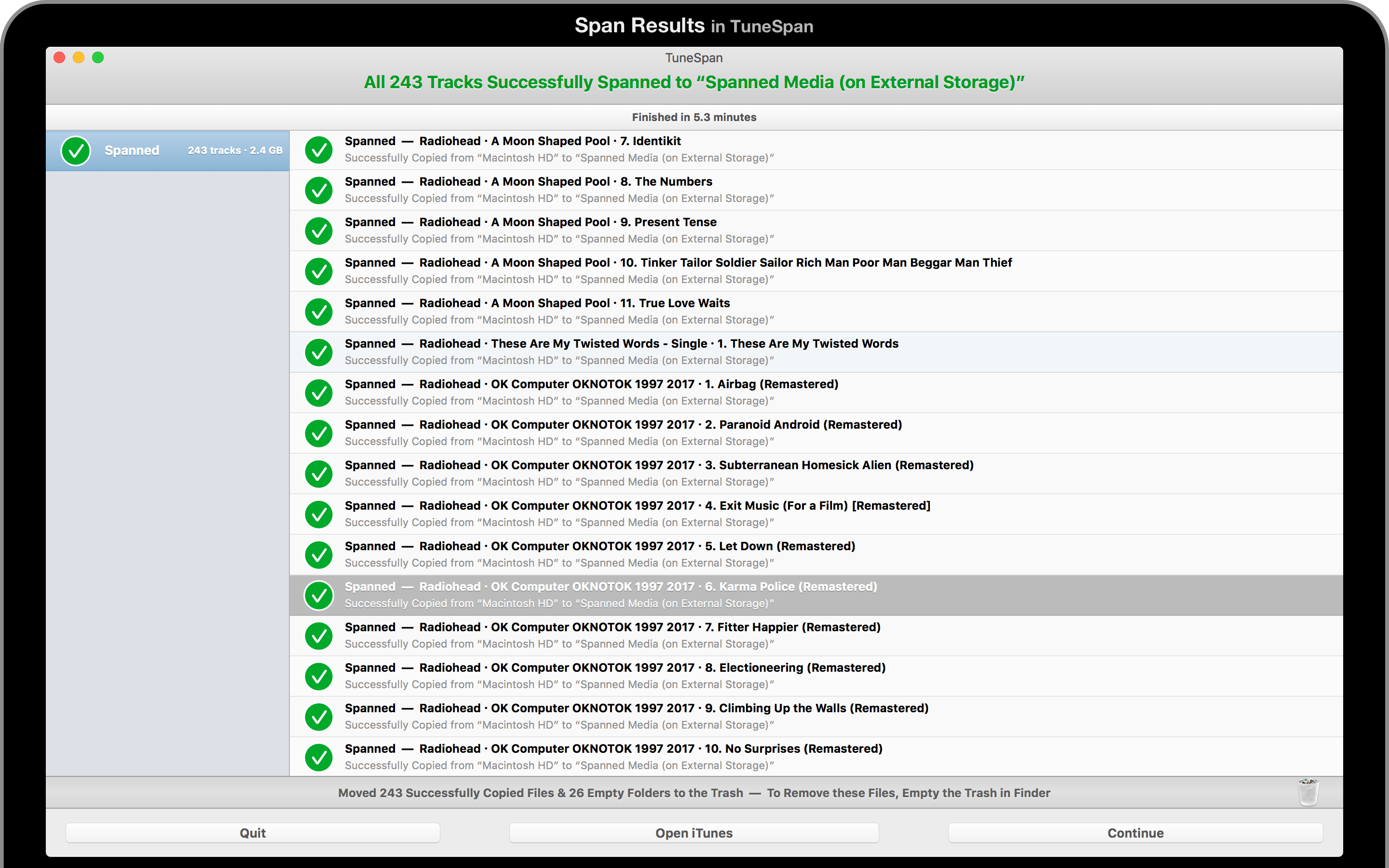
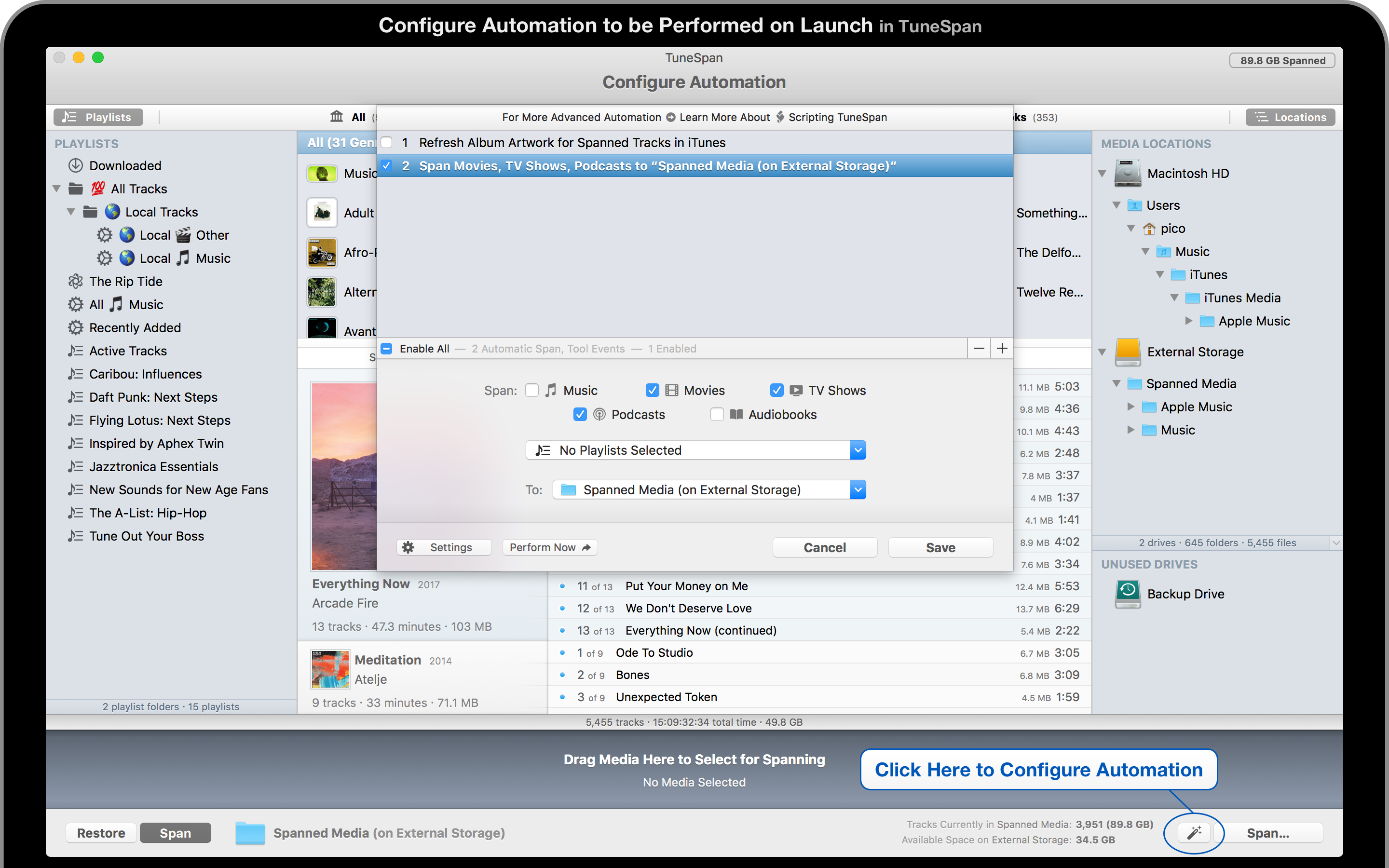
To span your media means to distribute the files in your iTunes Library across multiple drives.
TuneSpan is no longer available for sale. This page is left in place for historical purposes.
Past Release Notes
TuneSpan Help Information
TuneSpan Scripting Documentation & Pre-made Scripts for TuneSpan
TuneSpan Privacy Information
Contact Developer Directly
Screenshots
Reviews
TuneSpan on MakeUseOf
Improve iTunes for Mac With These Third-Party Tools
You can relocate content to multiple hard drives to free up space on your primary drive.
With TuneSpan, you can continue to see, play, and sync everything in iTunes, regardless of file locations.
This is arguably something Apple should have done a long time ago,
and a must-have download if you use a laptop or find yourself generally tight on space.
TuneSpan on Kirkville
TuneSpan Splits Your iTunes Library Across Multiple Drives
[…] I've had to struggle with organizing all my files, juggling increasingly large hard drives to store them.
Until I discovered [TuneSpan]. TuneSpan was the iTunes utility that I had long been looking for.
TuneSpan on Macworld
5 Essential Tools that Every iTunes User Should Have
TuneSpan from Random Applications is the way to go. With it, you can relocate (span) content
to multiple other hard drives to free up space on your main drive, while continuing to see, play,
and sync everything in iTunes as you normally would.
TuneSpan on Macworld / TechHive
Move iTunes Media Files to Other Locations with TuneSpan
[…] the somewhat magical way that TuneSpan resolves the problem of having too much iTunes content
makes this app a must-have for those with big media libraries. If you've suffered from trying to
parcel out your media files to different disks in the past, TuneSpan will simplify this process,
allowing you to store everything in your iTunes Library, but not in your iTunes Media folder.
TuneSpan on Lifehacker
TuneSpan Lets You Store Parts of Your iTunes Library
on External Storage to Save Disk Space
If you don't want to manage multiple music libraries and would rather just have one, but your
iTunes is eating up precious disk space, TuneSpan can migrate your excess media to external
drives while still keeping it accessible within iTunes. This way you can move music you don't
listen to very often to an external drive and just plug it in when you want to access the files.
TuneSpan on Mac.AppStorm
Take Control of Your iTunes Library with TuneSpan
TuneSpan has really been a key application, and will continue to be, in my disk space management.
The bulk of my drive space is occupied by media so managing that a little more intelligently makes all
sorts of sense. I will say that I'm actually enjoying the restriction the Air disk space puts on my computing
world. I'm more thoughtful as to what I install and what I save. It's resulted in a much more tidy machine
and the minimalist in me loves that. On the flip side I do want to have, maintain, and sometimes access all
sorts of digital media that I just wouldn't have the disk space for on the local drive. TuneSpan allows me to
manage all of that content in a simple, smart way, while still keeping it all very accessible.